PlayMo!

Interactive device project

An AI-powered cognitive assistant device meant to aid and expand the gaming experience for novice players. Users can ask any question about their current game and PlayMo will answer through his speaker and e-ink display. By fetching information from walkthroughs and wikis, PlayMo can nudge players in the right direction without spoiling the game.
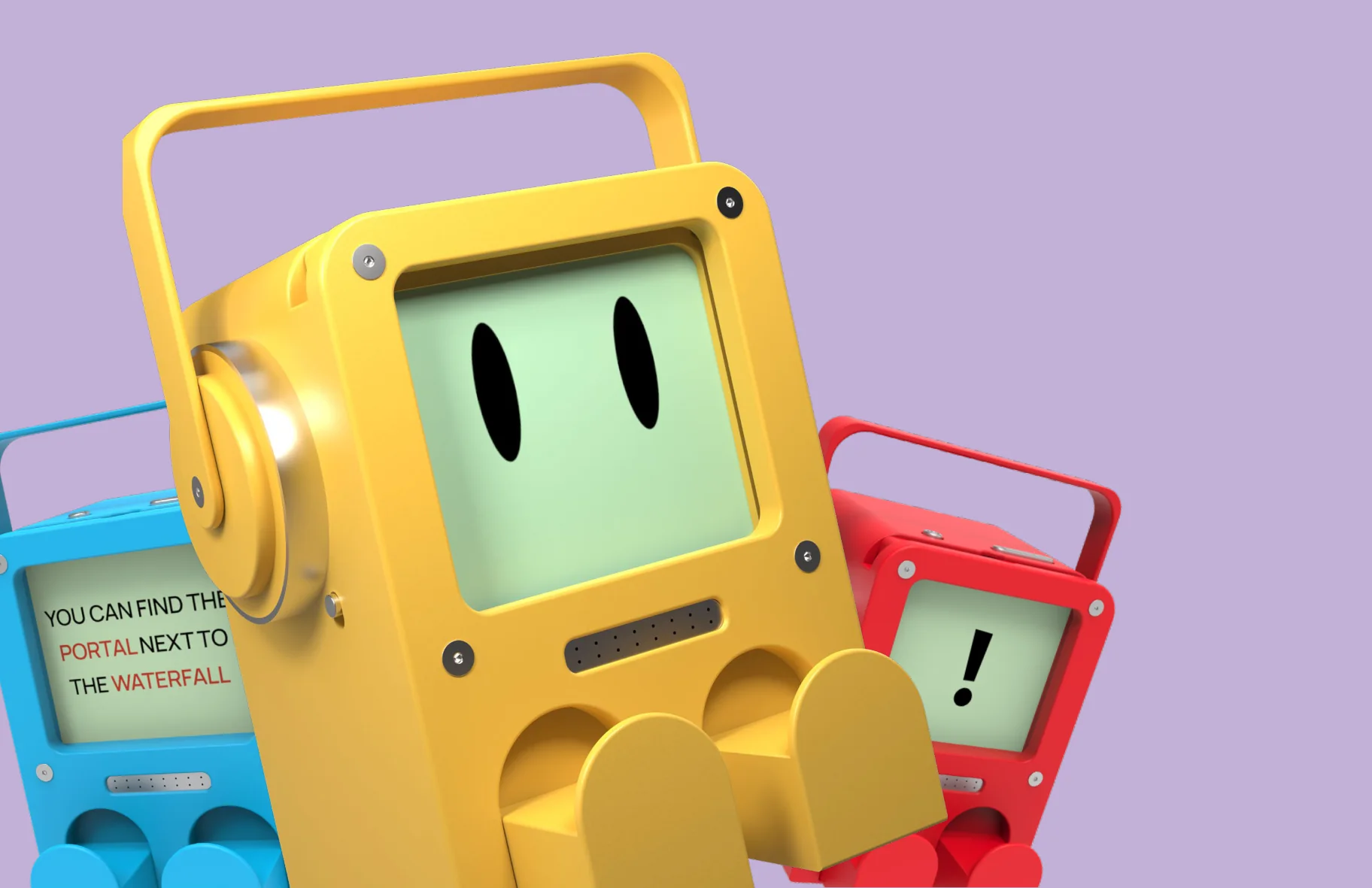
PLAYMO!

Your friendly gaming sidekick

Three PlayMo devices in yellow, blue and red: boxy handheld robots with a carry handle, an e-ink face and two stubby legs.

We were given the prompt:

Design a videogame accessory

But before we began sketching ideas, we wondered
...Well, what’s the market like?
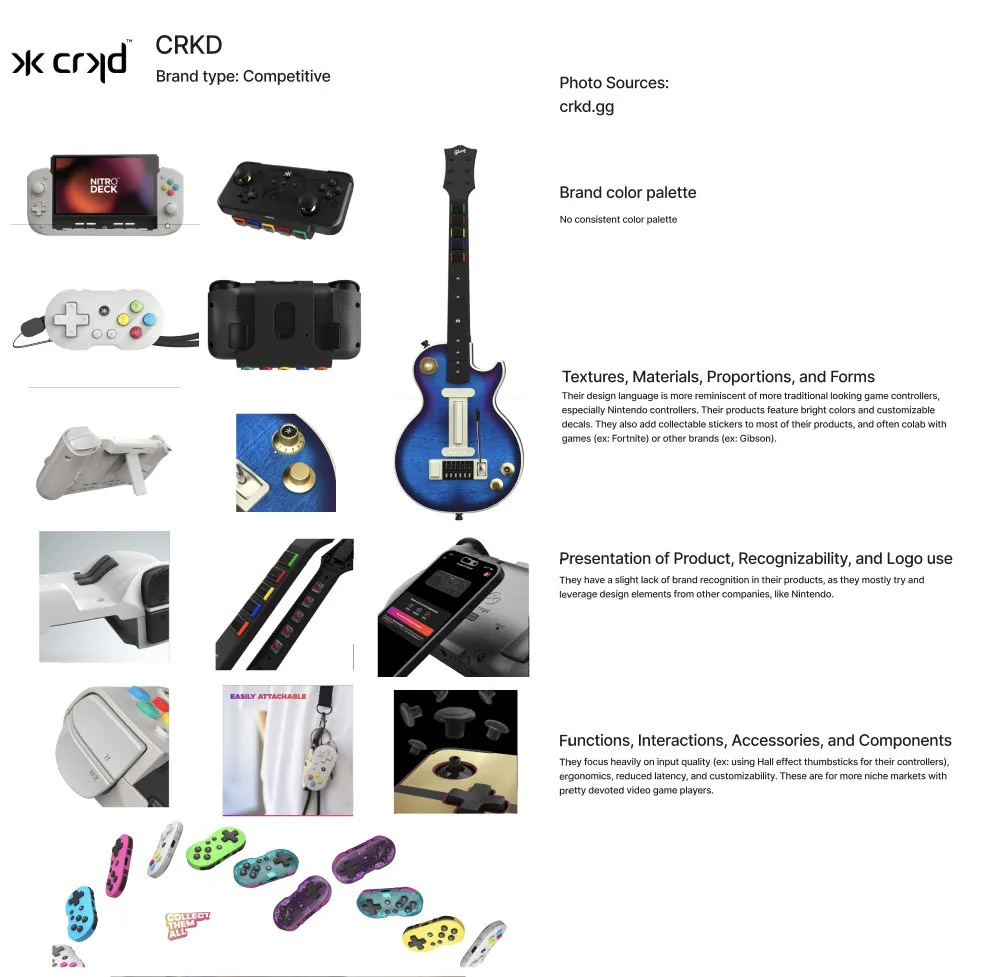
Competitive,
Brand analysis sheet for CRKD, a competitive brand: product photos with notes on colour palette, forms, presentation and functions.
Comparative,
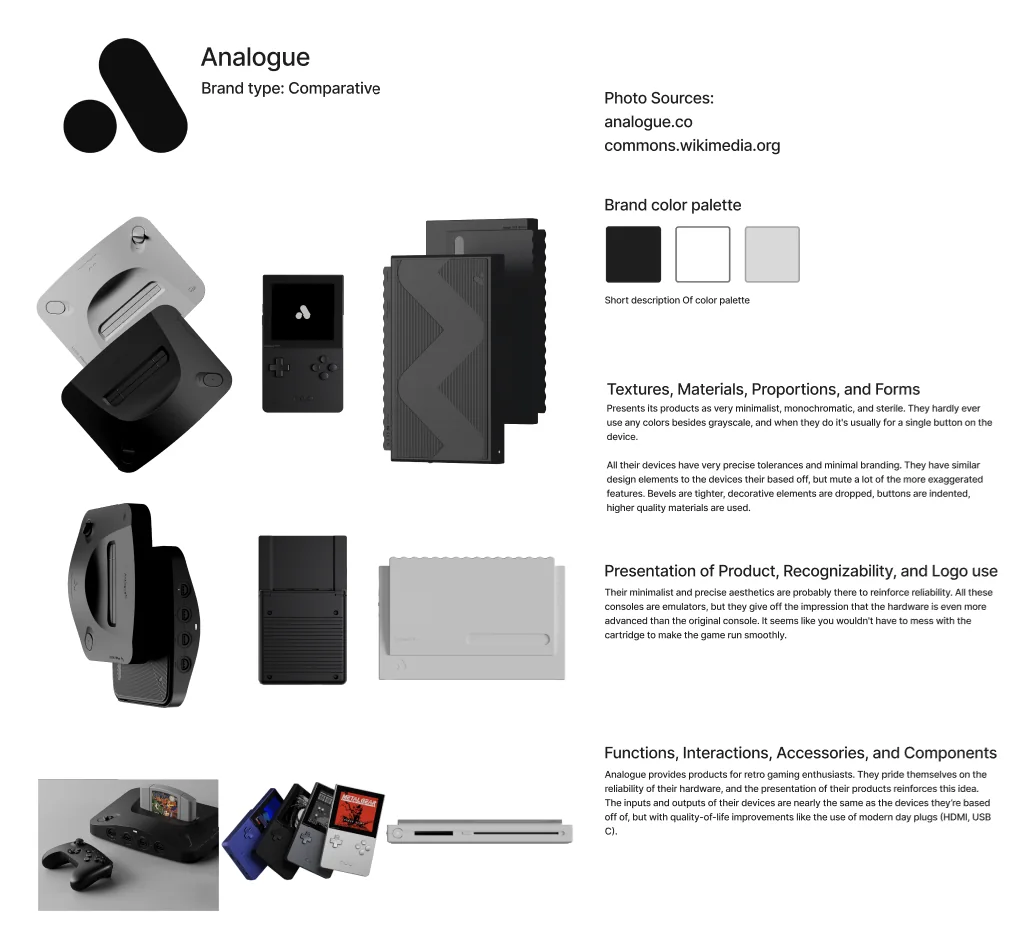
Brand analysis sheet for Analogue, a comparative brand.
& Parallel Brands
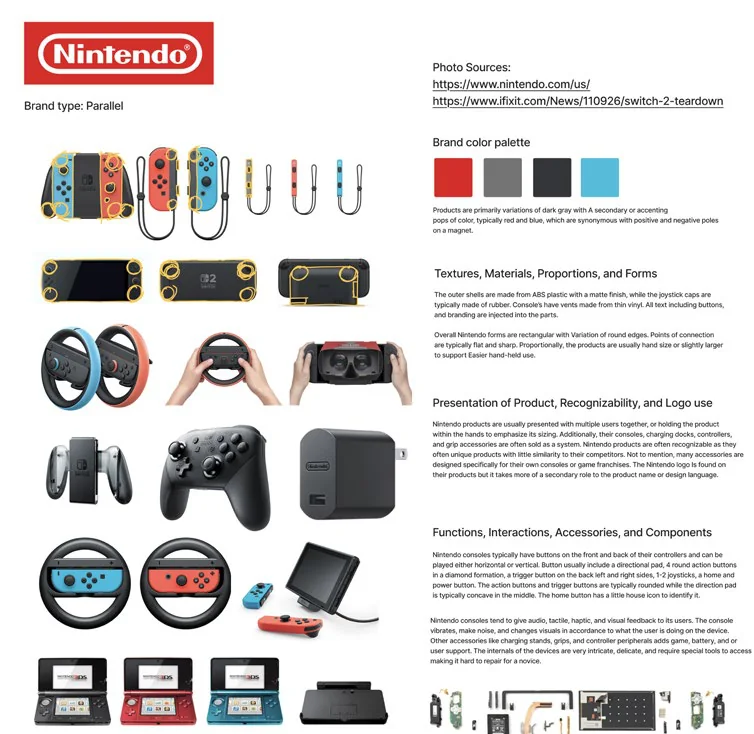
Brand analysis sheet for Nintendo, a parallel brand.
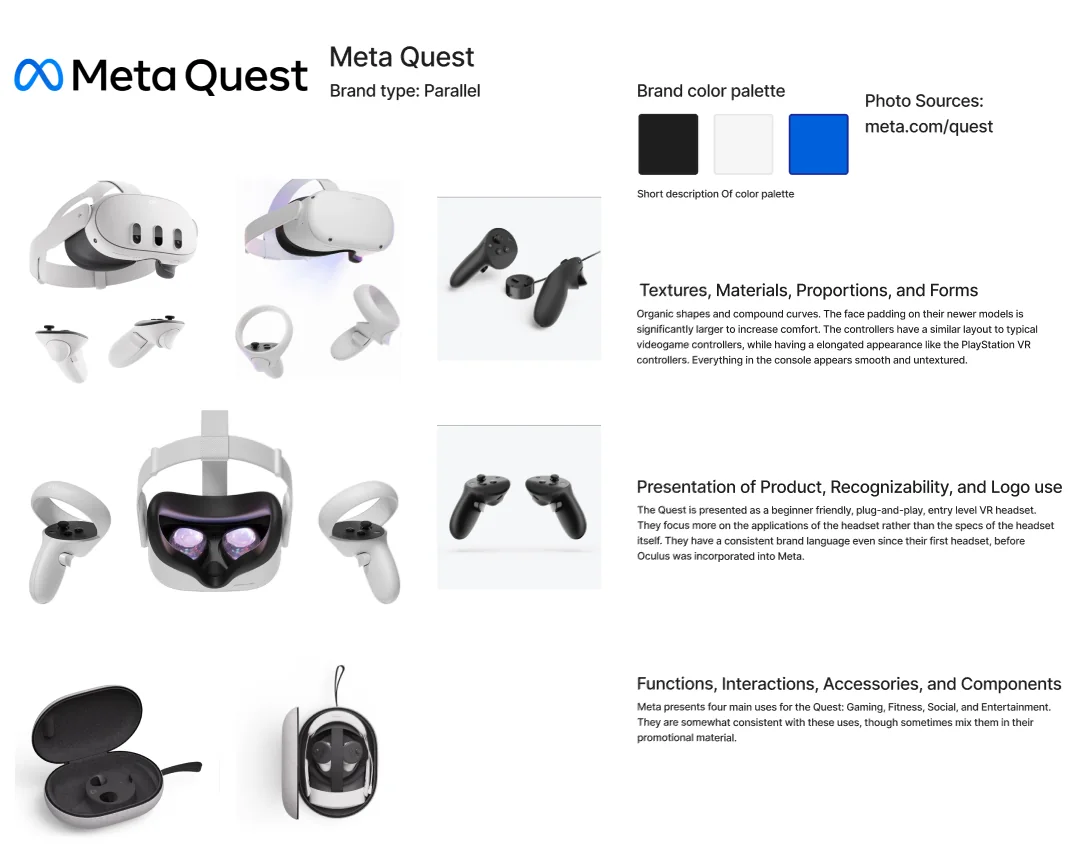
Brand analysis sheet for Meta Quest, a parallel brand.

In our research, we found two main categories of accessories, but we also took note of a set of interesting outliers.

Icons of a gamepad and a steering wheel controller.

Input Devices

Icons of a headset and a monitor.

Output Devices

A large question mark.

Something Else?

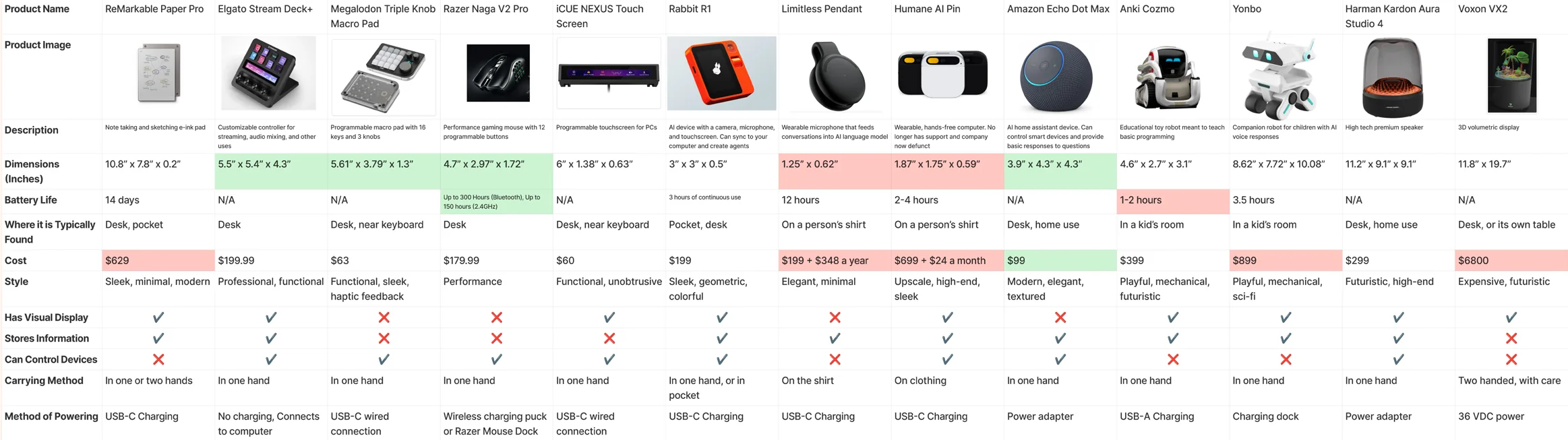
Comparison table of thirteen outlier products, from the ReMarkable Paper Pro to the Voxon VX2, by size, battery life, cost, style, display, carrying method and power. Opens full size.

Finding our problem statement

When casual and novice players get stuck in a game, they tend to rely on their phones to search up information.

This breaks their immersion and flow.

An older man holding a handheld console, hand on his forehead in frustration.

We started thinking, how did gamers in the past look up information when stuck?

By taking inspiration from a variety of resources, we landed on our final prompt:

Create a cognitive assistive device that can aid and expand the videogame experience
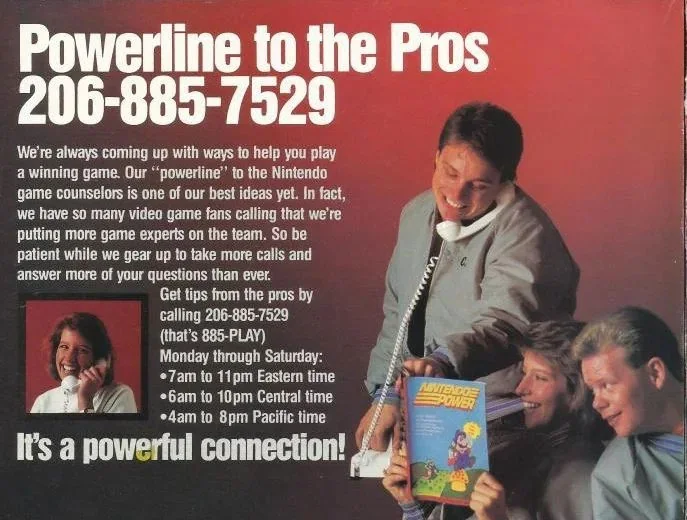
Tip Hotlines
Vintage Nintendo ad: “Powerline to the Pros”, a phone line for game tips.
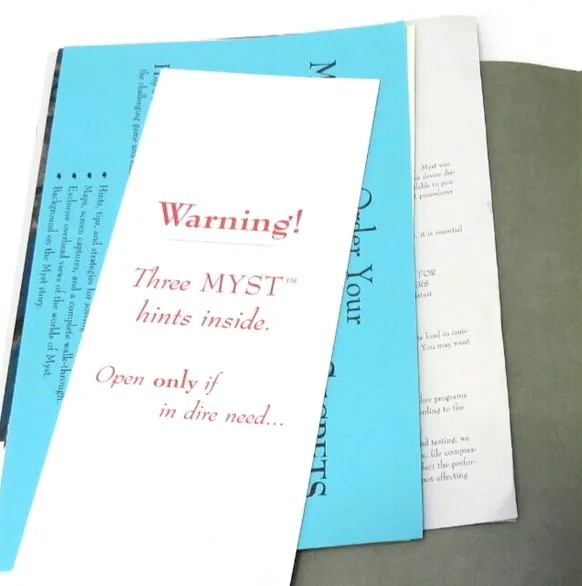
Sealed hint booklet from the game Myst: “Warning! Three Myst hints inside. Open only if in dire need...”
Themed Handbooks
Wiki Sites
Stardew Valley Wiki logo.
Cover of Prima’s official strategy guide for Super Mario Sunshine.
Strategy Guides

How can we target an underexplored niche
in the videogame accessory market?
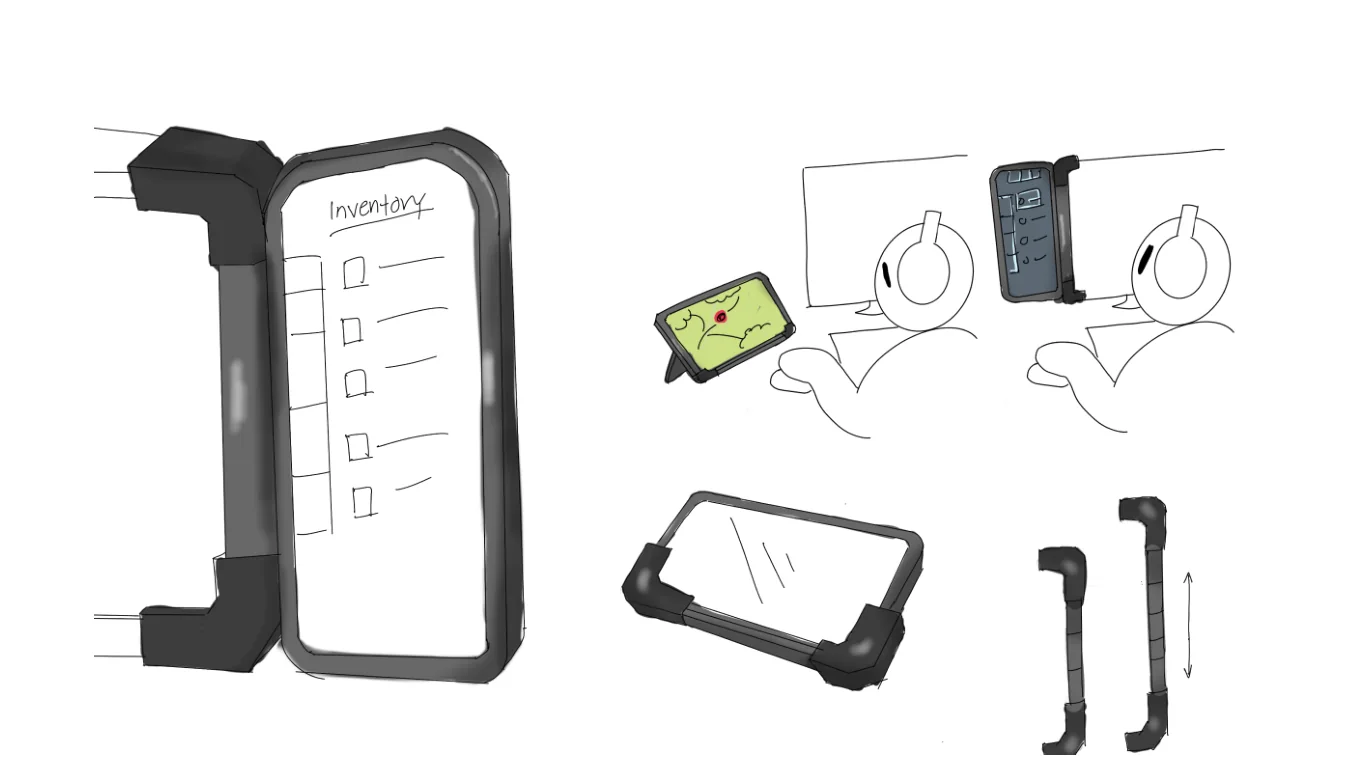
Sketches of a clip-on second screen that shows an inventory checklist or a map next to the player’s main display.

1. Assistive Display

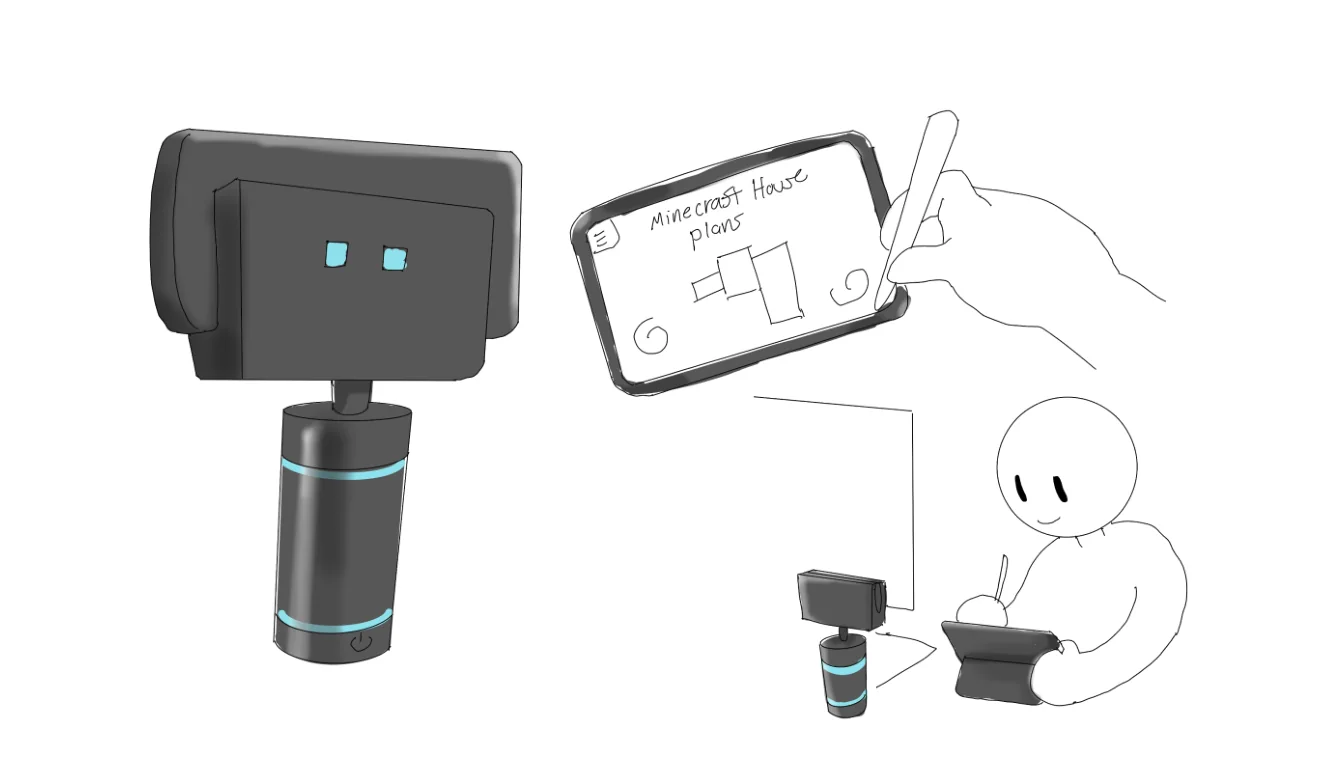
Sketches of a small robot-like dock and a tablet for drawing game notes, such as Minecraft house plans.

2. Gaming Notepad

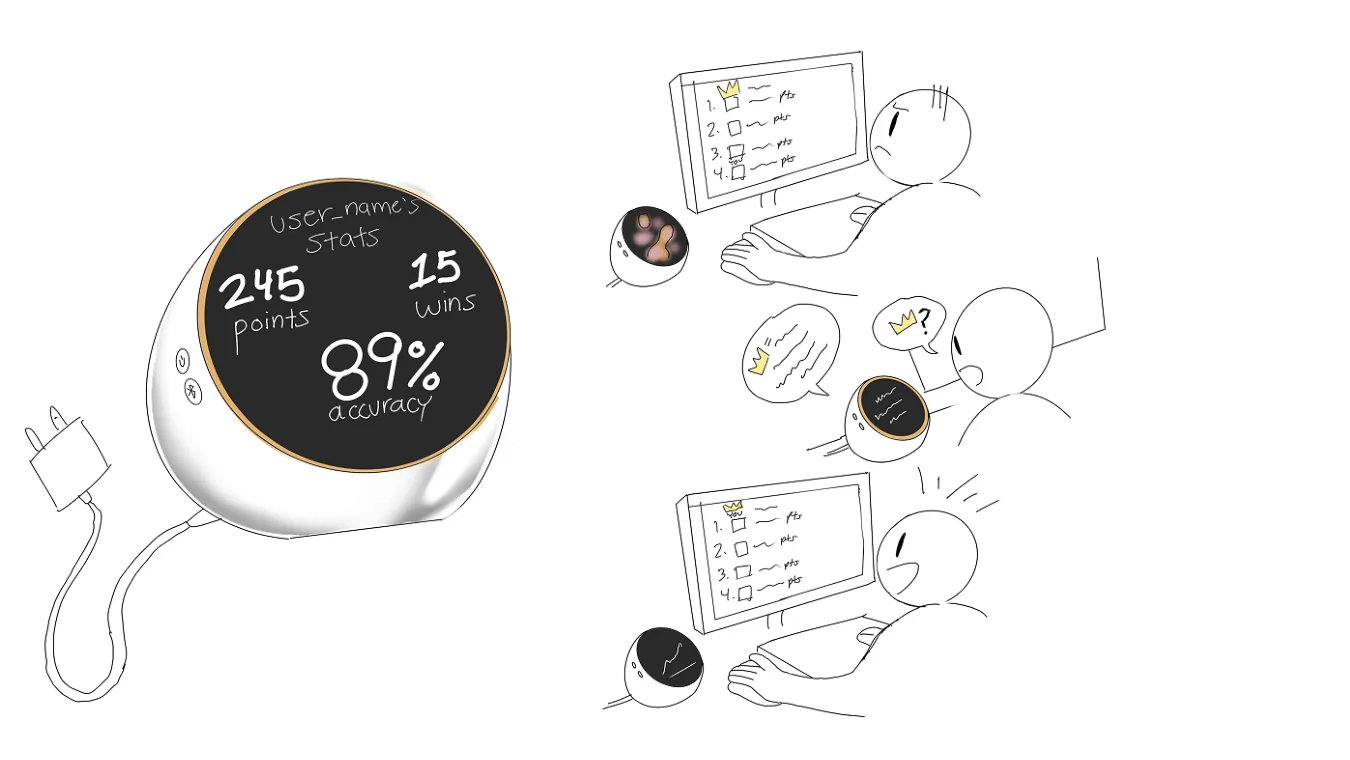
Sketches of a round desk device showing a player’s stats (245 points, 15 wins, 89% accuracy) and commenting during play.

3. Game Coach

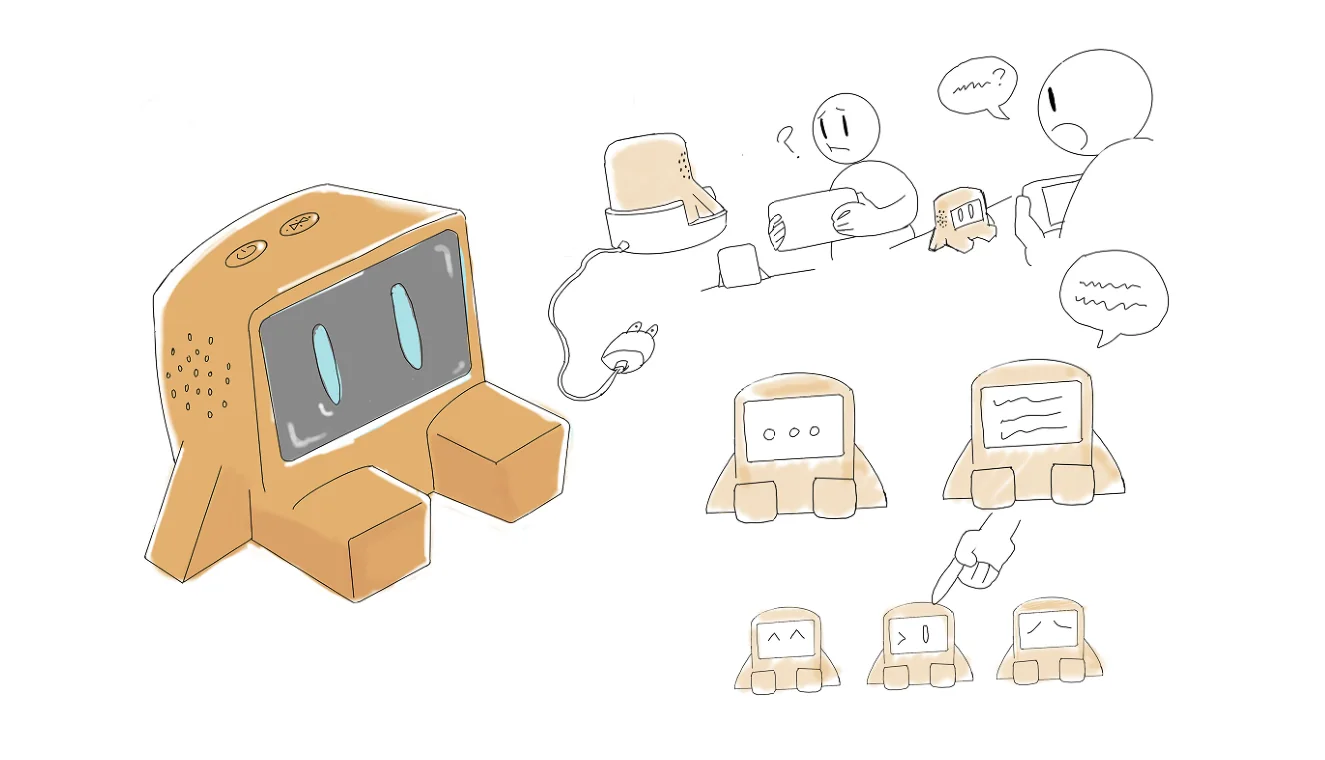
Sketches of a small boxy robot with a screen face that answers a frustrated player’s questions.

4. AI Helper

By picking the most interesting elements of each concept, we made some simple cardboard prototypes.

Without giving any instructions, we wanted to know how users would interact with them. What could we learn from their first reactions?
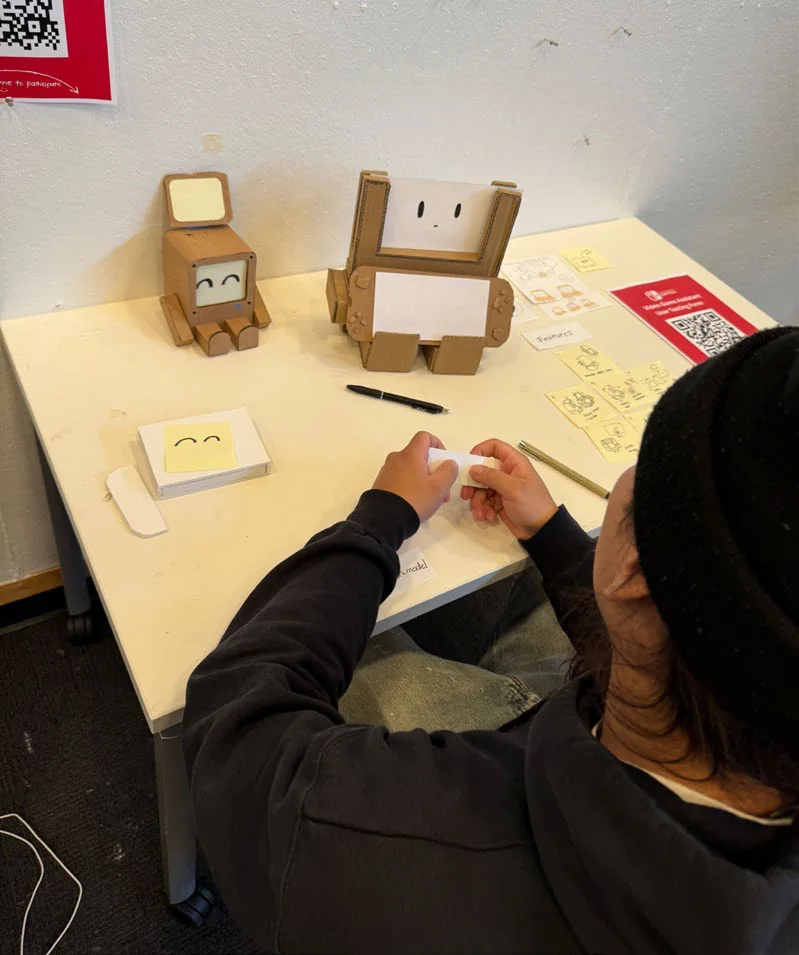
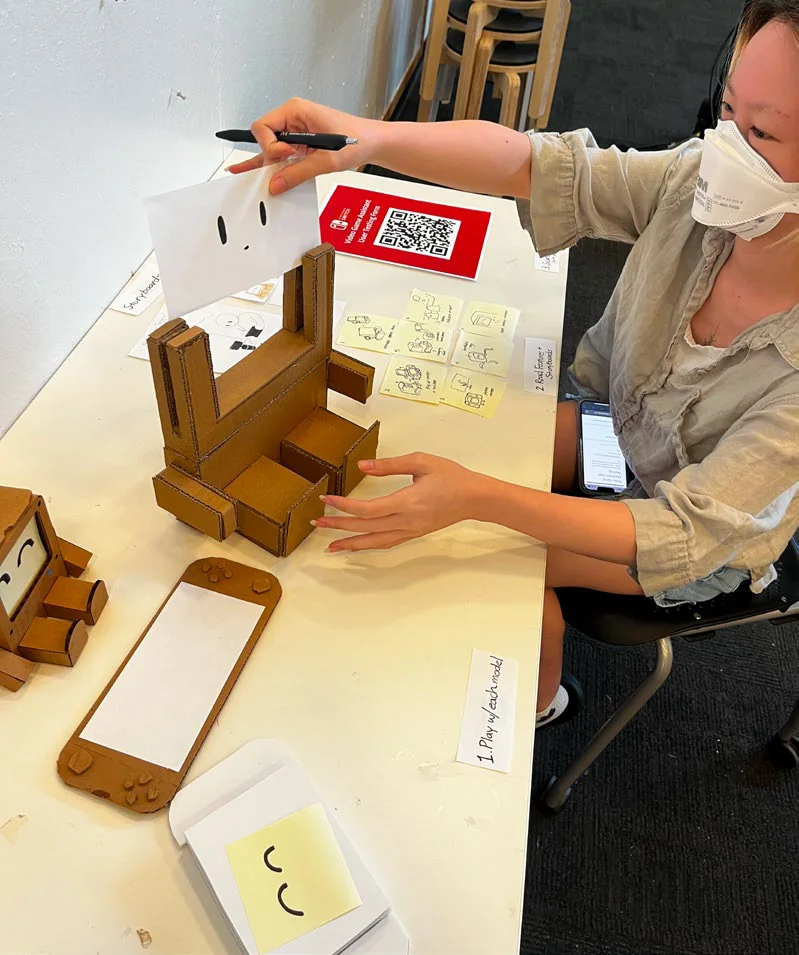
A tester at a table handling cardboard prototypes of small robot-shaped devices. Another tester holding a paper face up to a cardboard prototype that cradles a mock game console.
Two screens? Leg stands? Multi-console support? Moveable screen?
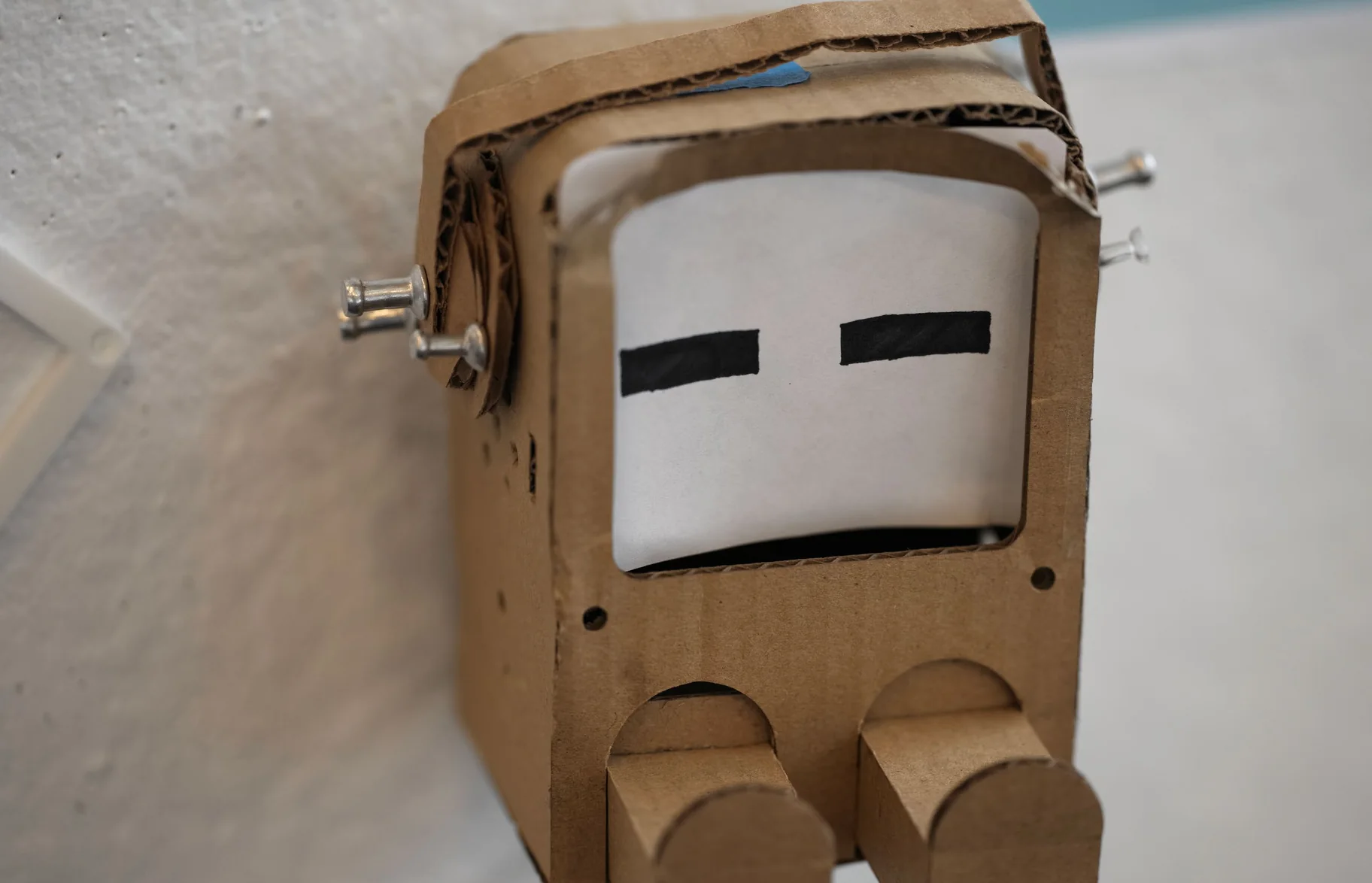
Close-up of a cardboard prototype: a box with a handle, a paper face with two dash eyes, and two stubby legs.

A certain form factor was a crowd favorite, so we decided to implement our best ideas to our new gaming buddy.

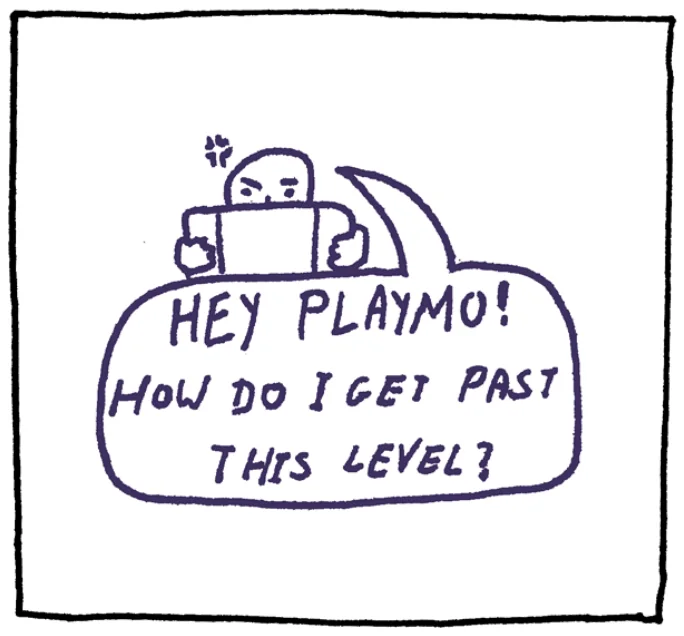
Storyboard panel: an annoyed player says “Hey PlayMo! How do I get past this level?”

Stuck in a game? Say “Hey PlayMo!” and ask your question
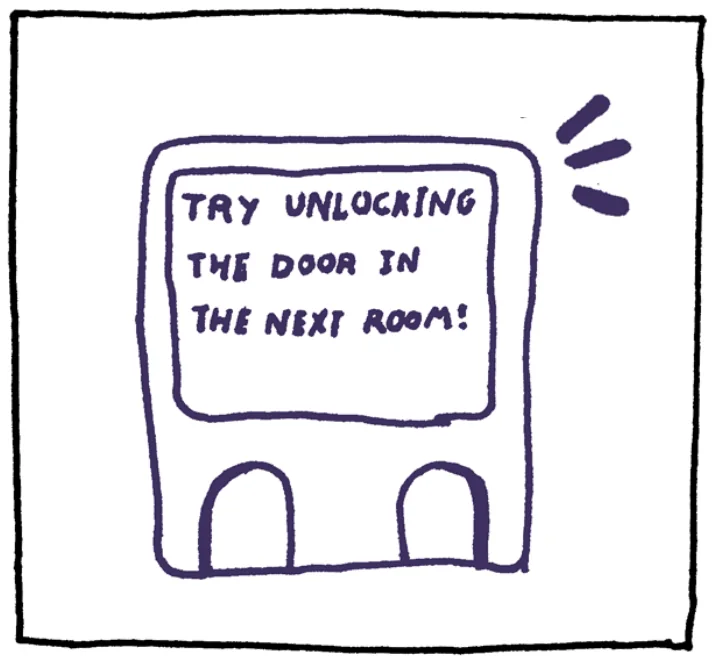
Storyboard panel: PlayMo’s screen reads “Try unlocking the door in the next room!”

He’ll answer through his screen and speakers
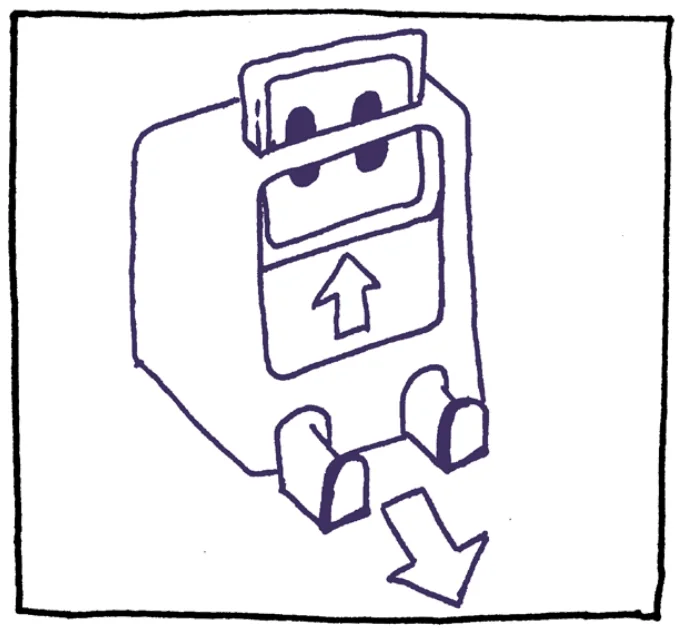
Storyboard panel: PlayMo’s screen slides up and his legs slide out.

His legs and screen can be retracted and expanded
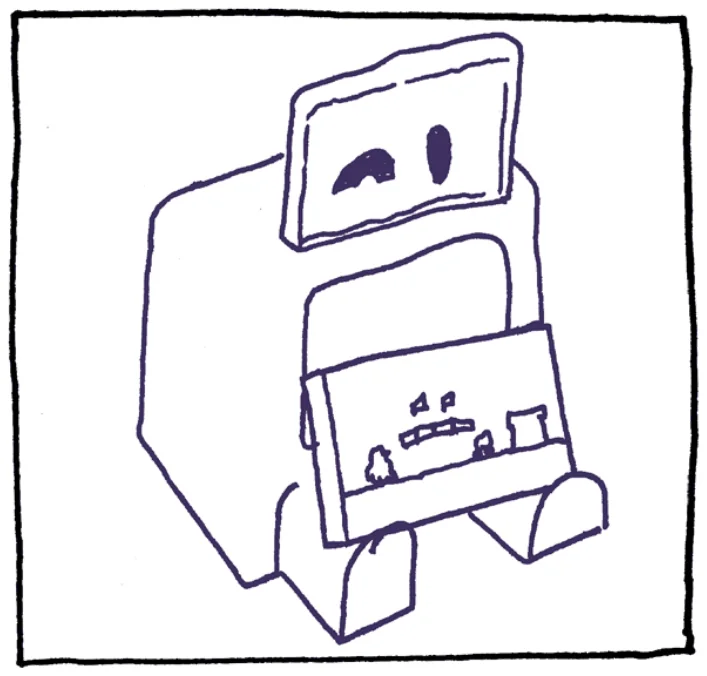
Storyboard panel: PlayMo holding a game console on his legs.

He then can act as a screen holder!

CAD Specifications
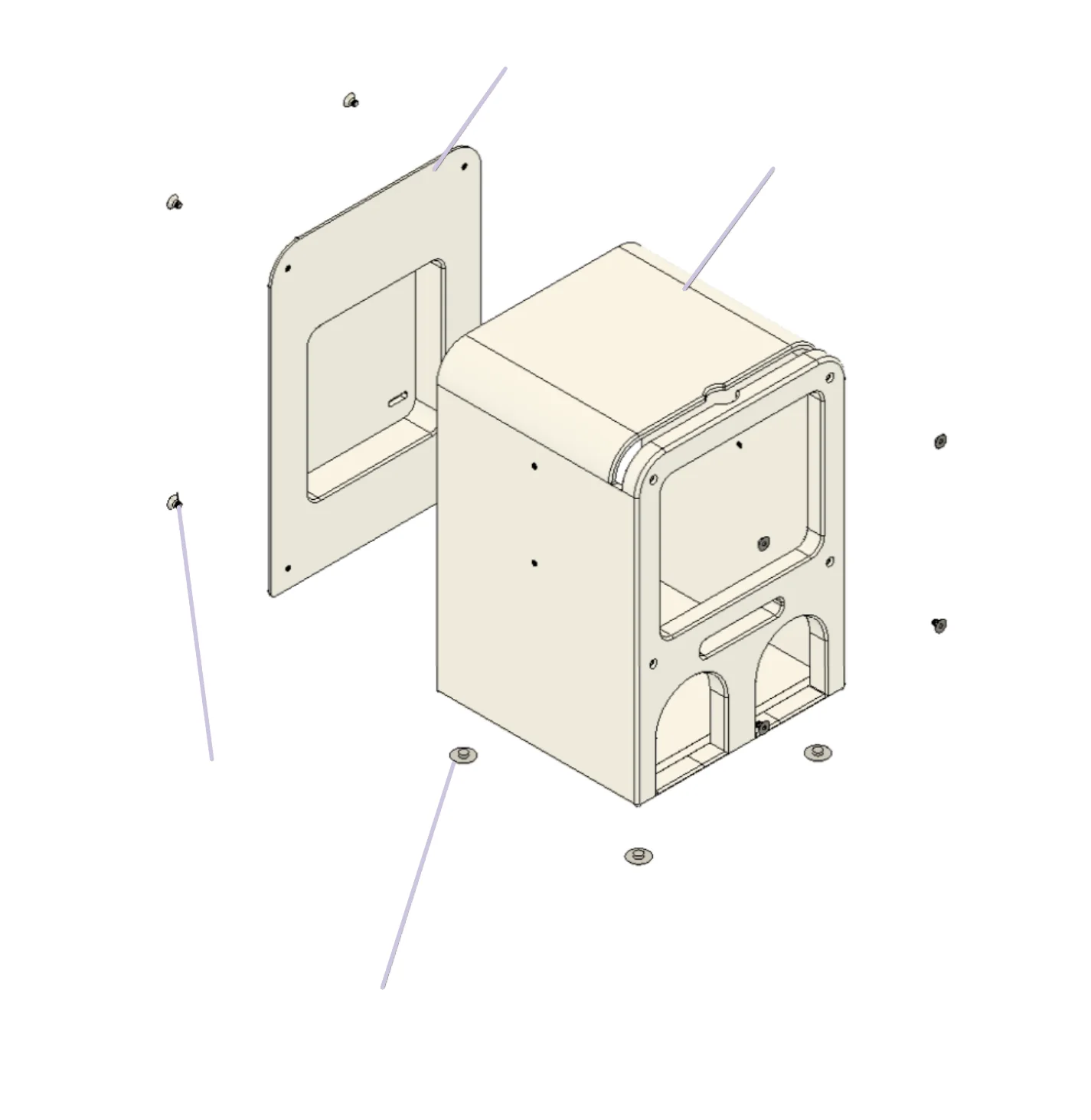
Exploded CAD drawing of the casing: back plate, main body, screws and rubber feet.

Back Plate

Main Body Casing

(x8) 0.197” flathead
Hex Screws

(x4) Rubber Feet
Inserts
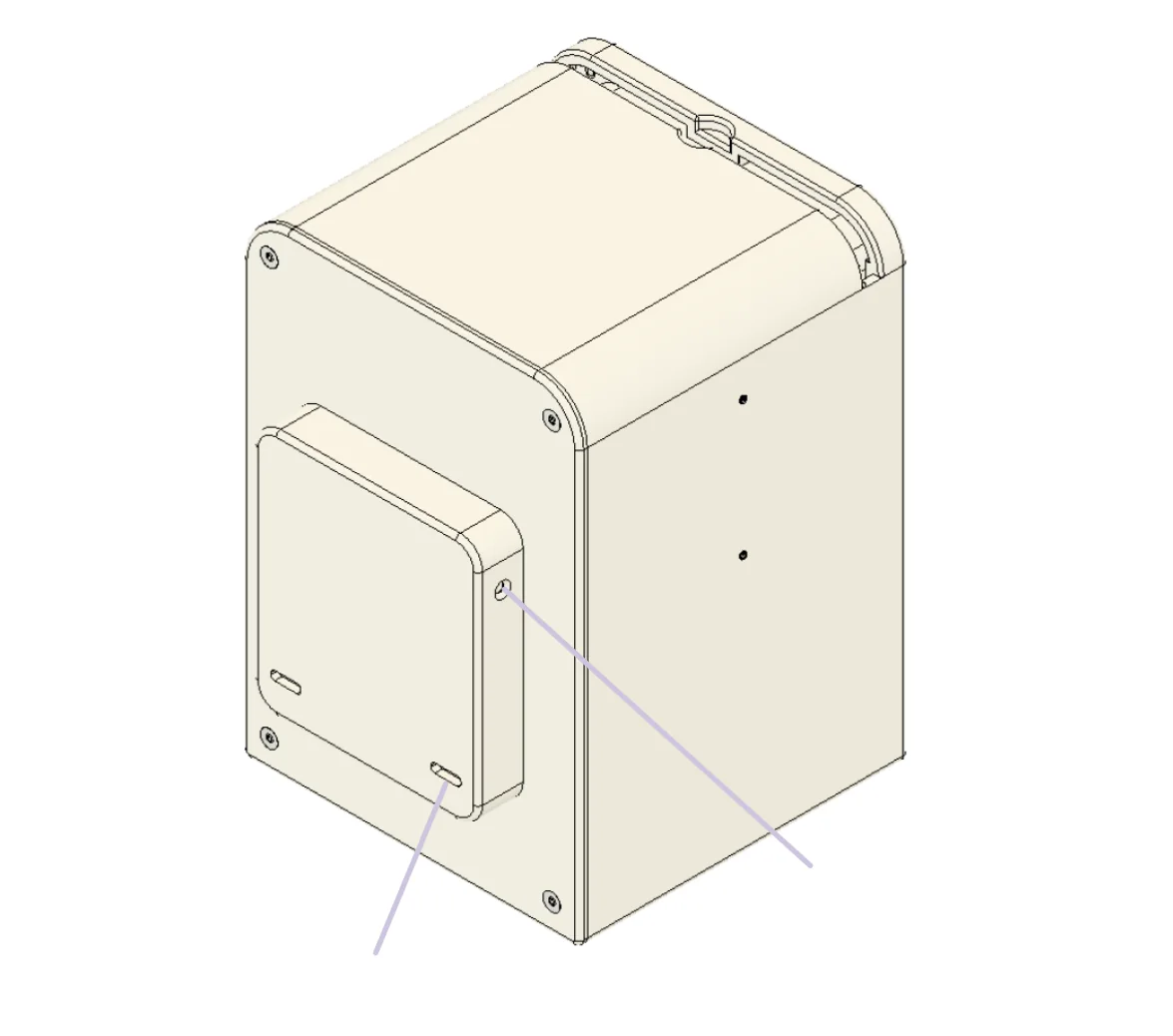
CAD drawing of the assembled casing seen from the back.

(2x) USB-C Ports

Battery Vent Hole

Component Selection
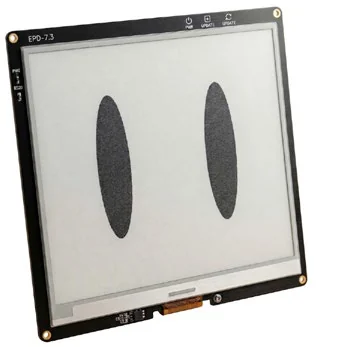
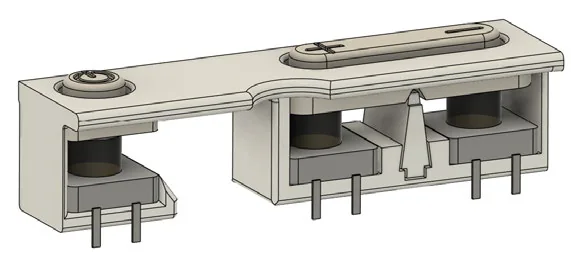
E-ink display module showing PlayMo’s two oval eyes. CAD cutaway of the button housing with three tactile switches underneath.

Display

Tactile Switches

Microcontroller

Speakers

Slide Switches

Rechargeable Battery

USB-C Breakout

Microphone

Instead of traditional LCD displays, we decided to go with an E-Ink display. Not only is it much more energy efficient but its paper appearance serves as an aesthetic homage to classic game guides.

We had to think of not only which kind of button would have the right amount of “clickyness”, but also how we’d even construct the housing for them.

Where should we place the buttons?
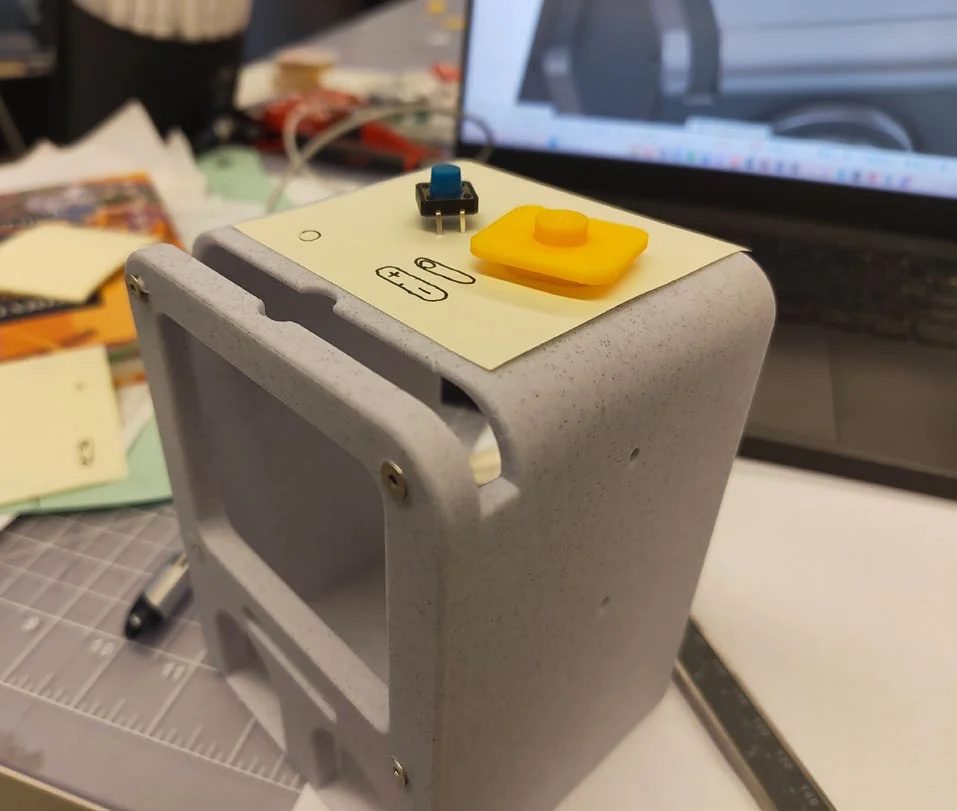
A 3D-printed grey casing on a desk with a sticky note on top, used to try out button positions.

Final Model

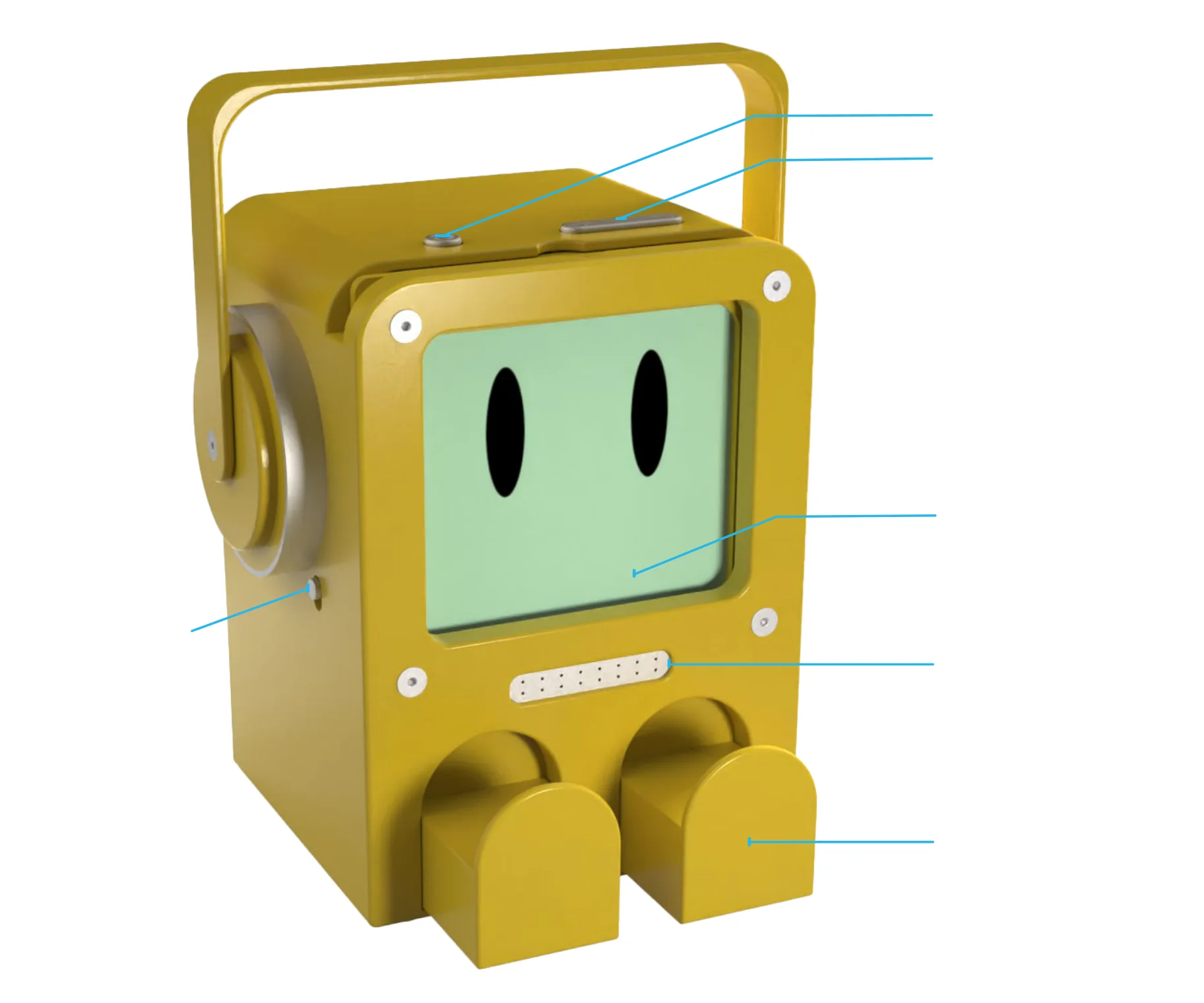
Render of the yellow PlayMo from the front, with leader lines pointing to its parts.

Power Button

Volume Up/Down

E-Ink Display

Speaker

Retractable Legs

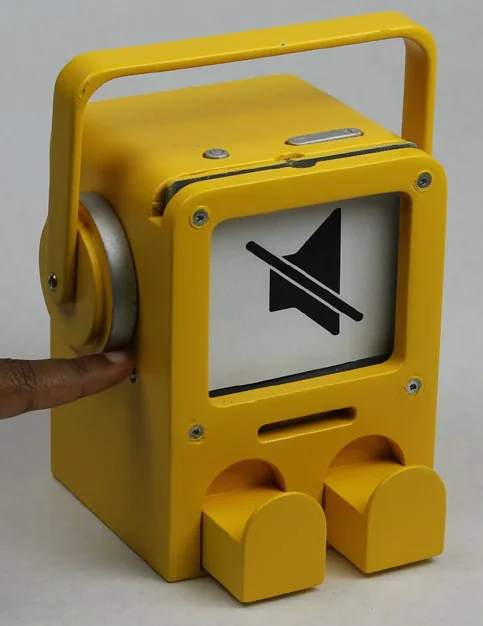
Mute Switch
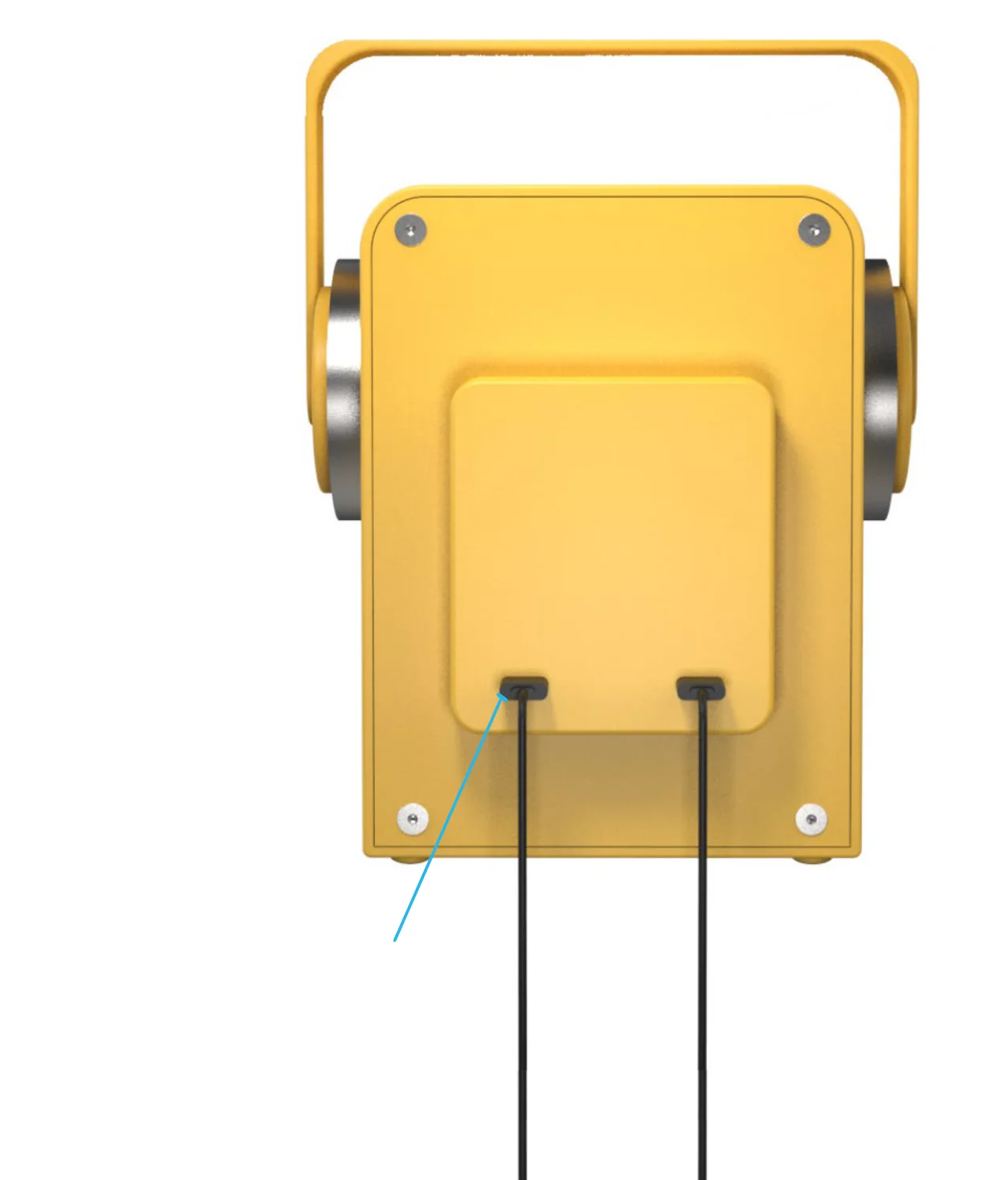
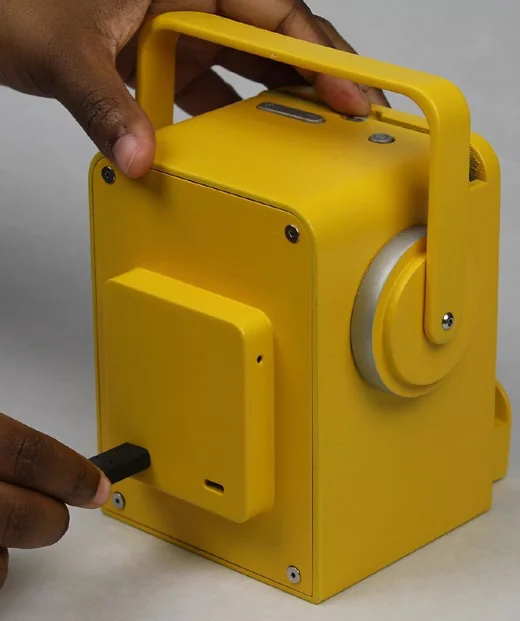
Render of PlayMo from the back, with two cables plugged into its power ports.

IN/OUT Power Ports

Final Model

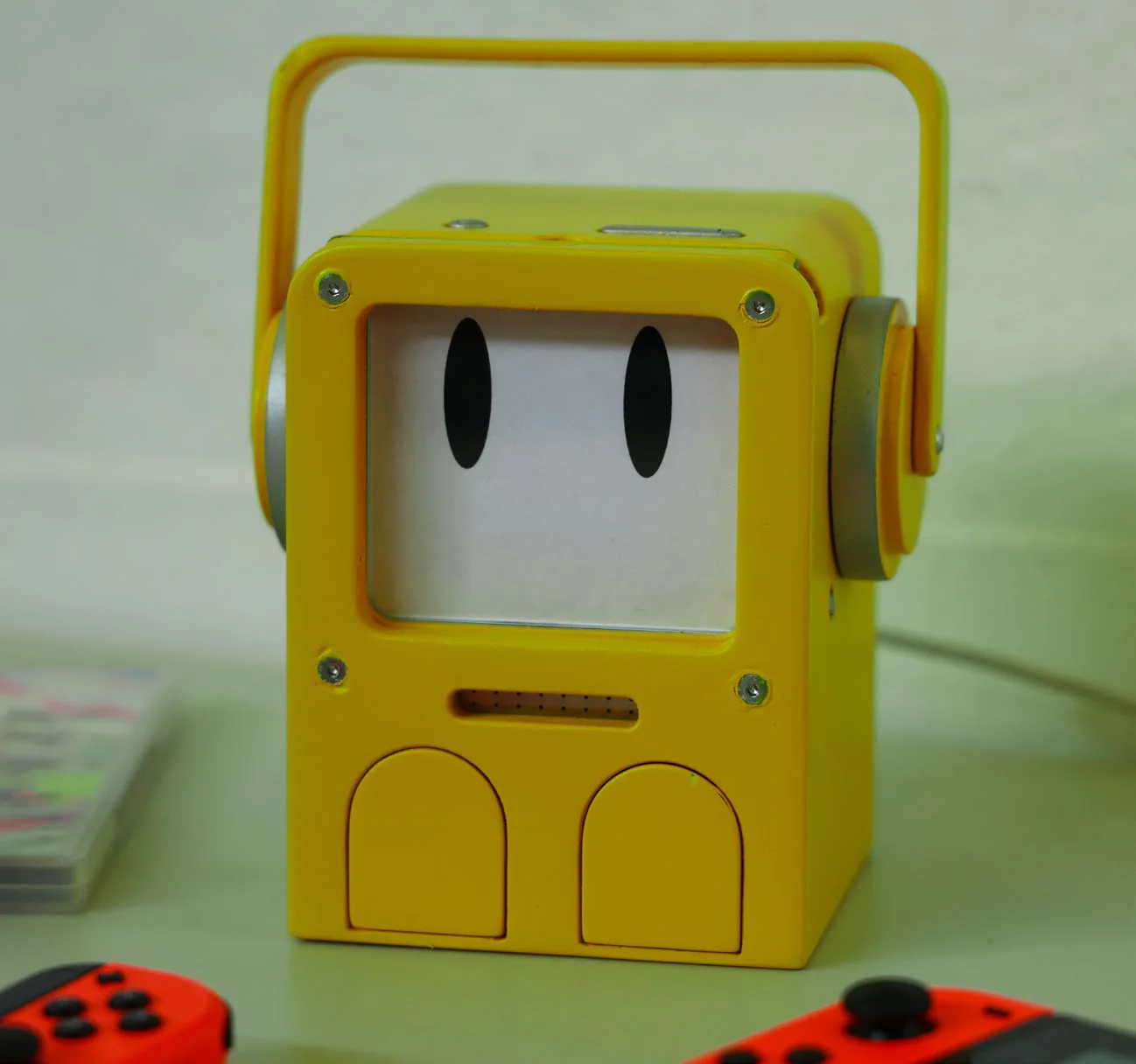
The finished yellow PlayMo on a table next to two red game controllers.
Hands plugging a USB-C cable into the back of PlayMo. A finger flipping the mute switch; PlayMo’s screen shows a muted speaker icon.
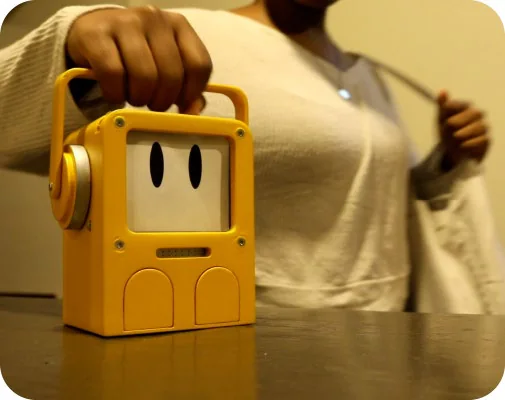
A person lifting PlayMo by its handle.

Download this project as a PDF ↓